

Odoo Security & Access
Stronger Security with Force 2FA for Admins
Enforce two-factor authentication for selected Odoo user groups. Set grace periods, protect administrators, provide recovery codes, monitor compliance and maintain a complete audit trail.
Mandatory 2FA
Secure Access
Compliance

Force 2FA for Admins
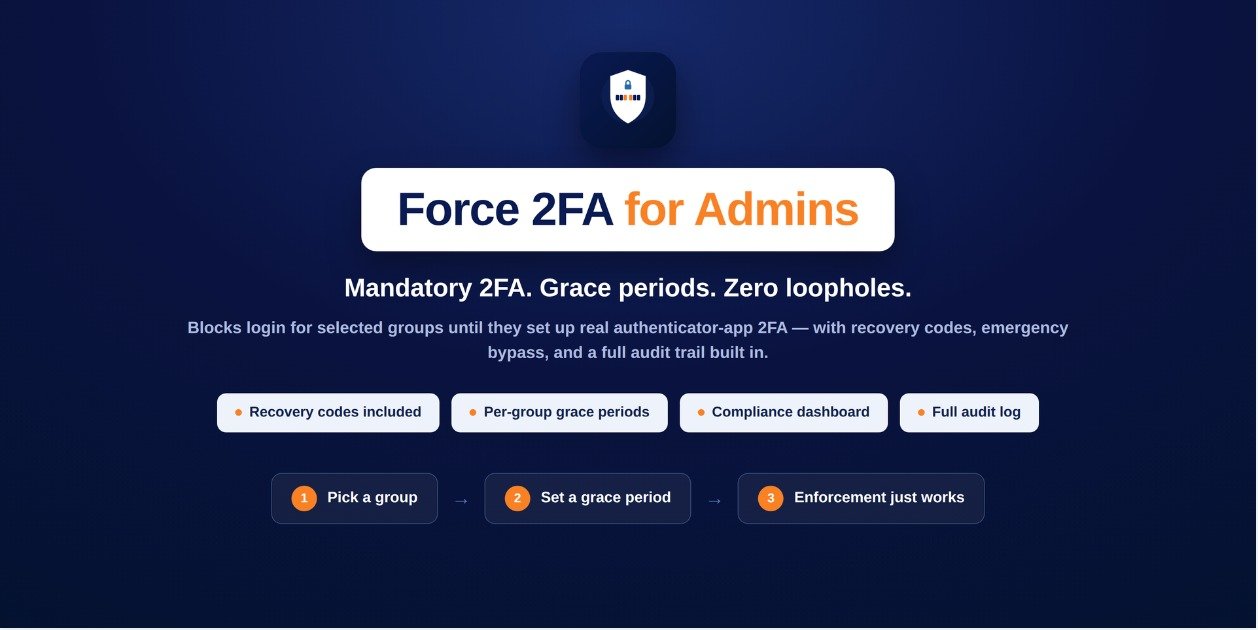
Enforce authenticator-based two-factor authentication and keep your Odoo backend protected.
Per-Group Rules
Apply mandatory 2FA requirements to specific Odoo user groups.
Recovery Codes
Give users secure one-time recovery codes when their device is unavailable.
Compliance Dashboard
Monitor compliant, grace-period, overdue and bypassed users.
Product Overview
Enforce Stronger Odoo Security
Odoo's built-in two-factor authentication is optional, which means administrators can continue using the backend without enabling 2FA. Force 2FA adds the enforcement layer needed to make authentication requirements mandatory.
Administrators can define security rules for specific user groups and assign different grace periods depending on the level of access.
Users who reach their deadline without enabling authenticator-based 2FA are blocked from the backend until setup is completed or an authorized bypass is provided.
Key Features
Powerful Security Features for Better Odoo Access Control
Force 2FA adds enforcement, recovery, monitoring and audit capabilities on top of Odoo's existing authenticator-based two-factor authentication.
Mandatory 2FA by User Group
Define security rules for selected Odoo groups and require members to enable authenticator-app based two-factor authentication.
Flexible Grace Periods
Set different grace periods for different groups. Each user's countdown starts when they are first detected under the rule.
Recovery Codes
Generate one-time recovery codes after 2FA setup so users can regain access if they lose access to their authenticator device.
2FA Compliance Dashboard
View targeted users and their current security status including compliant, grace period, overdue and bypassed users.
Emergency Bypass
Provide a time-limited bypass for individual users when access needs to be restored without disabling the overall security rule.
Complete Audit Trail
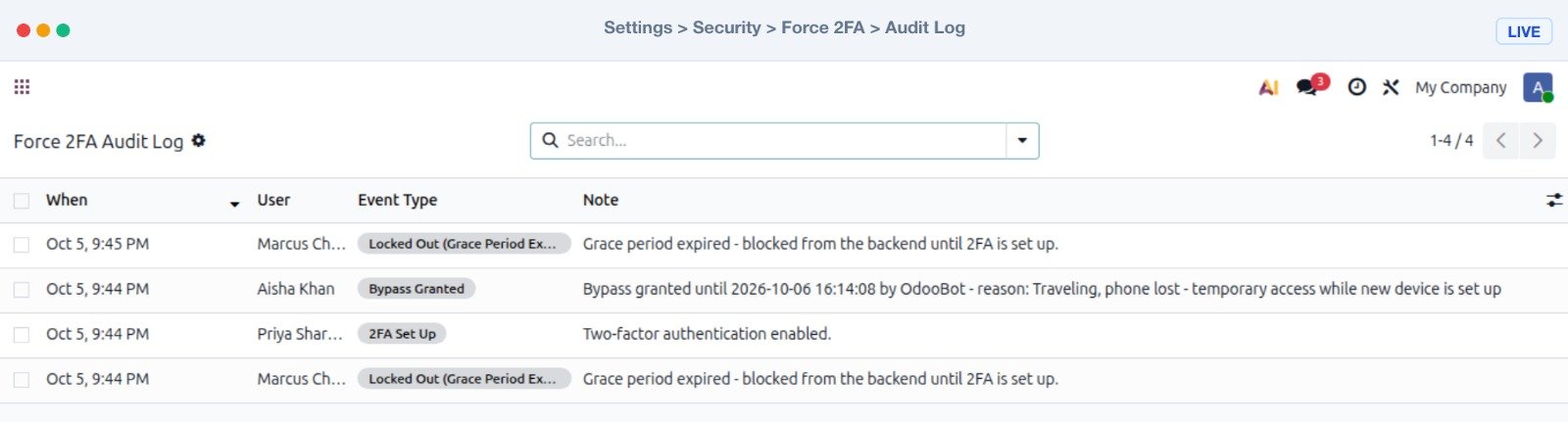
Record important security events including setup, bypasses, lockouts and recovery-code usage in an exportable audit log.
Automatic Reminders
Send automatic reminder emails before users reach their 2FA deadline and help prevent unexpected account lockouts.
Compliance Notifications
Keep administrators informed with weekly compliance summaries and optional alerts when a user is locked out.
Built on Odoo 2FA
The module works with Odoo's own auth_totp system and supports standard authenticator applications such as Google Authenticator.
Use Cases
Force Stronger Authentication Across Odoo Teams
Protect sensitive Odoo access by applying mandatory 2FA policies to the groups and users that require stronger authentication.
Administrators
Require users with administrative access to protect their Odoo accounts with authenticator-based two-factor authentication.
Accounting Teams
Apply a dedicated grace period and mandatory 2FA policy to users who manage sensitive financial information.
Business Teams
Create group-specific authentication policies for different departments and access levels across your Odoo environment.
Sensitive Access
Add an additional security layer for users who have access to important business data and backend operations.
Security Monitoring
Monitor 2FA compliance from a central dashboard instead of manually checking individual user records.
Security Auditing
Maintain an audit trail of important authentication events for better visibility and accountability.
Installation & Configuration
Configure Force 2FA for Your Odoo Environment
Install the module, create your security rules and start enforcing two-factor authentication for selected Odoo user groups.
Force 2FA for Admins
Install the module in your custom Odoo environment, update the Apps list and configure Force 2FA rules from the security settings.
01
Download the Module
Download the Force 2FA module and place it inside your custom Odoo addons directory.
02
Restart Odoo
Restart your Odoo server after adding the module to the custom addons directory.
03
Update Apps List
Enable developer mode if required and update the Odoo Apps list so the module becomes available for installation.
04
Install & Configure
Search for Force 2FA in Odoo Apps, install the module and configure group-based security rules and grace periods.
Compatibility
Built for Your Odoo Security Workflow
Force 2FA extends Odoo's existing authenticator-based two-factor authentication with enforcement, recovery and compliance features.
Odoo 19 Community & Enterprise
Force 2FA for Admins is available for Odoo 19 and builds directly on Odoo's own auth_totp two-factor authentication system.
Screenshots
Explore Force 2FA in Action
Explore the compliance dashboard, group-based security rules, recovery codes and audit log available with Force 2FA.


Support & Contact
Need Help with Force 2FA?
If you have questions about installation, configuration or custom security requirements, reach out to the VayaSoft team.
Email Support
Have a question about the module? Contact us directly at info@vayasoft.com
VayaSoft
Learn more about VayaSoft and our Odoo solutions through
our official website.
Visit VayaSoft →
Get Started
Make Odoo Access More Secure
Enforce two-factor authentication for the users who need it, provide secure recovery options and monitor your organization's 2FA compliance from one place.