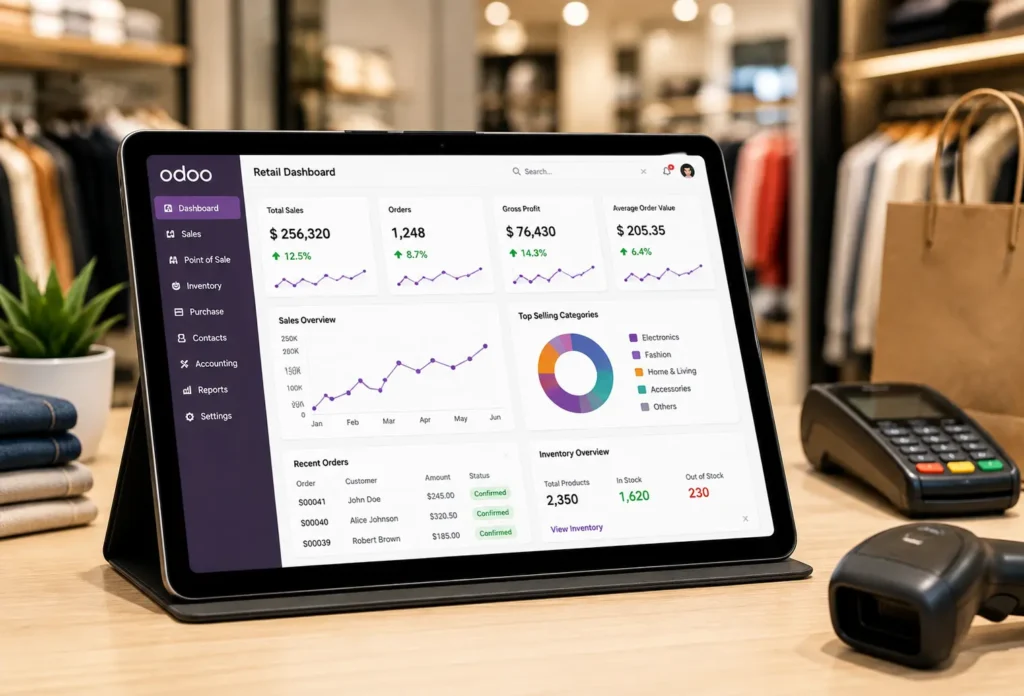

Manage Retail Sales with  Point of Sale
Manage in-store sales, products, payments, customers, and inventory with Point of Sale. VayaSoft helps configure POS around your retail workflow, whether you operate a single store or multiple outlets.
Point of Sale. VayaSoft helps configure POS around your retail workflow, whether you operate a single store or multiple outlets. 
VayaSoft helps businesses connect their retail operations through POS and integrate them with relevant applications.
POS and integrate them with relevant applications. Point of Sale provides businesses with the tools needed to process transactions, manage products, connect inventory, and support customer interactions across retail operations. 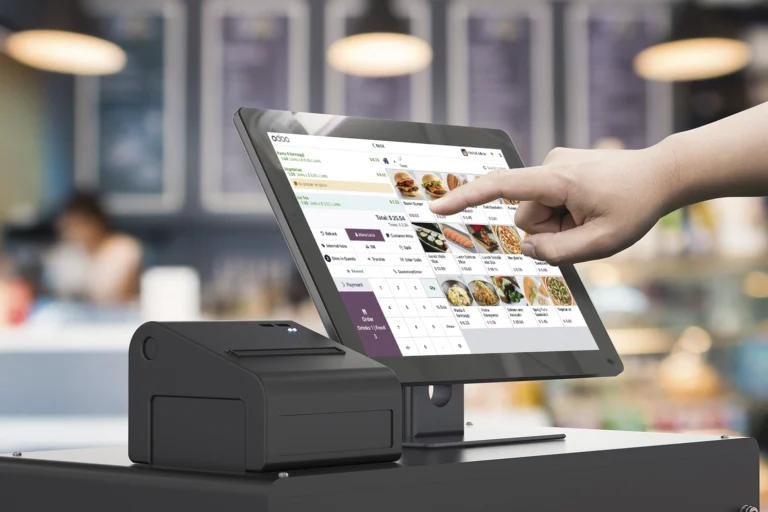 POS connects retail sales with products, inventory, customers, payments, and other business applications to create a more structured sales workflow.
Set Up Your POS
Configure your point-of-sale environment, products, pricing, payment methods, and retail settings.
Process Customer Orders
Create and process orders efficiently while keeping customer and product information accessible.
Connect Inventory and Payments
Keep product stock and payment transactions connected with the wider workflow.
Monitor Retail Performance
Use available sales and transaction data to monitor retail activity and support business decisions.
Configure POS Around Your Retail Business
VayaSoft works with your team to understand your store operations, product structure, payment process, inventory workflow, and reporting requirements before configuring POS for your business.
POS for your business. 01
Understand
Review your retail operations, sales process, outlets, products, and payment requirements.
02
Configure
Configure POS settings, products, pricing, customers, payment methods, and retail workflows.
03
Customize
Add required customizations where your retail process needs additional functionality.
04
Integrate
Connect POS with Inventory, Accounting, eCommerce, Sales, and other relevant applications.
05
Launch
Support testing, staff training, and deployment for a smooth POS transition.
A connected POS workflow can help businesses improve retail visibility, keep inventory aligned with sales, and manage customer transactions more efficiently.
POS workflow can help businesses improve retail visibility, keep inventory aligned with sales, and manage customer transactions more efficiently. Point of Sale provides the functionality needed to process transactions, manage products, connect inventory, and support everyday retail operations.